FREE ONLINE CONVERTER
Convert Photo to Oil Painting Online Free
Turn any photo into stunning oil painting art in seconds. Our AI converter transforms your images into museum-quality oil paintings with authentic brushwork, rich textures, and perfect subject preservation.
The easiest way to change photo to oil painting style online. Upload your image, choose a style, and watch AI create realistic oil paint effects with visible brushstrokes and canvas grain—no Photoshop skills needed.


Turn Your Image into Oil Painting
From classic portraits to impressionist landscapes—convert any photo to oil painting with full creative control.
Images generated by free users will have a watermark
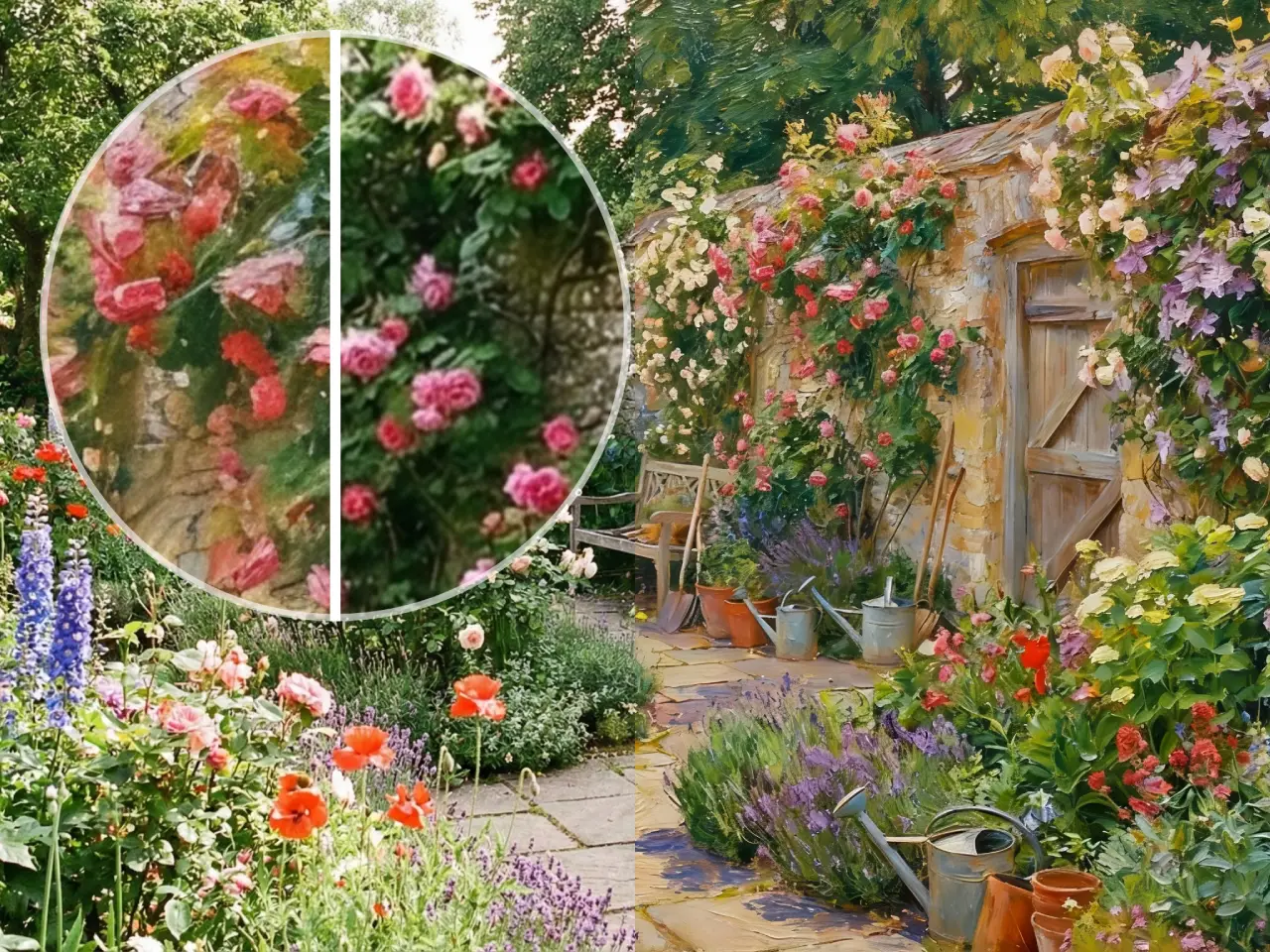
Impressionist Style Transfer
Oil painting of a water lily pond, Claude Monet style, heavy impasto strokes, morning light
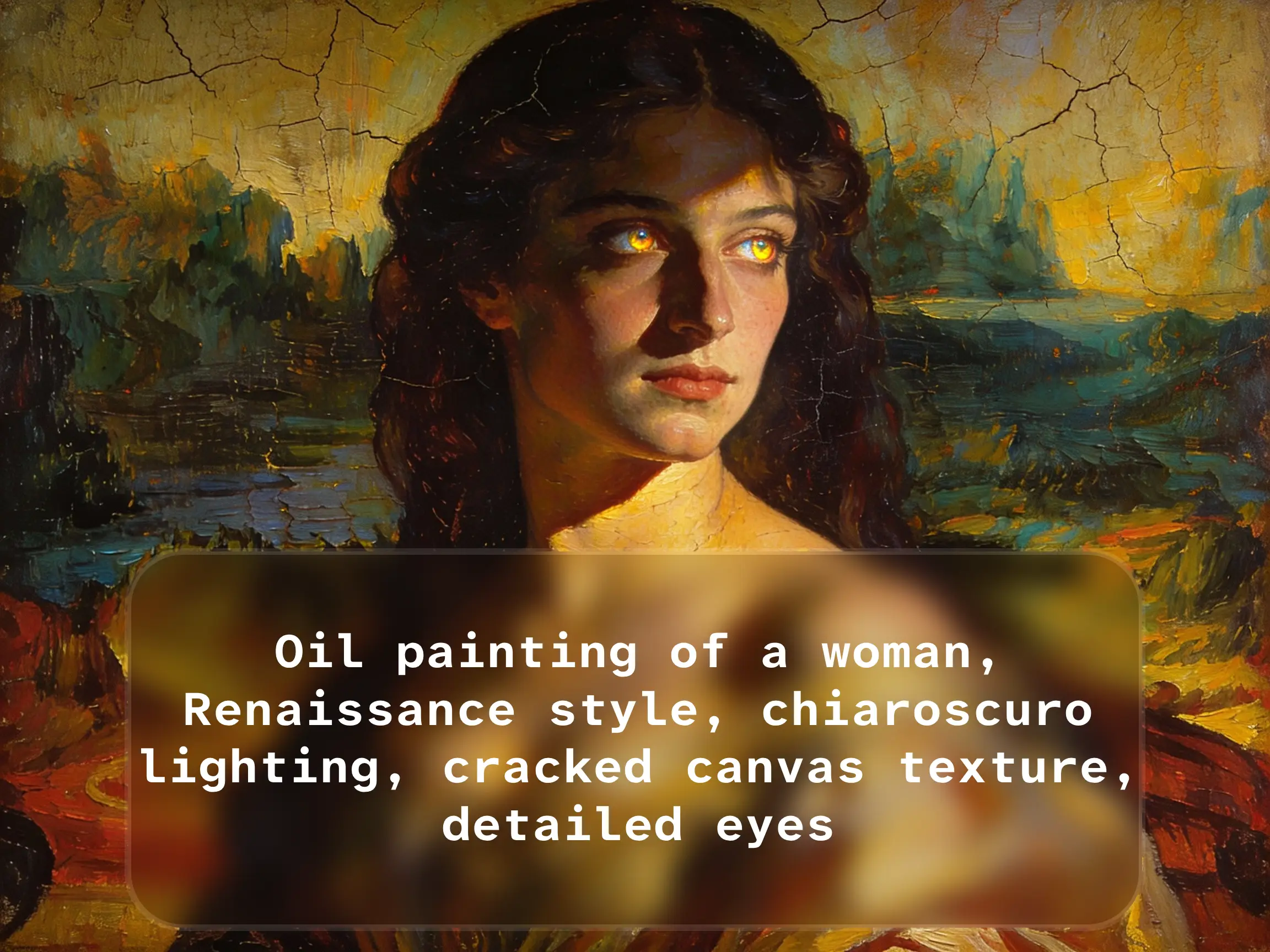
Classic Portrait Conversion
Oil painting of a woman, Renaissance style, chiaroscuro lighting, cracked canvas texture, detailed eyes
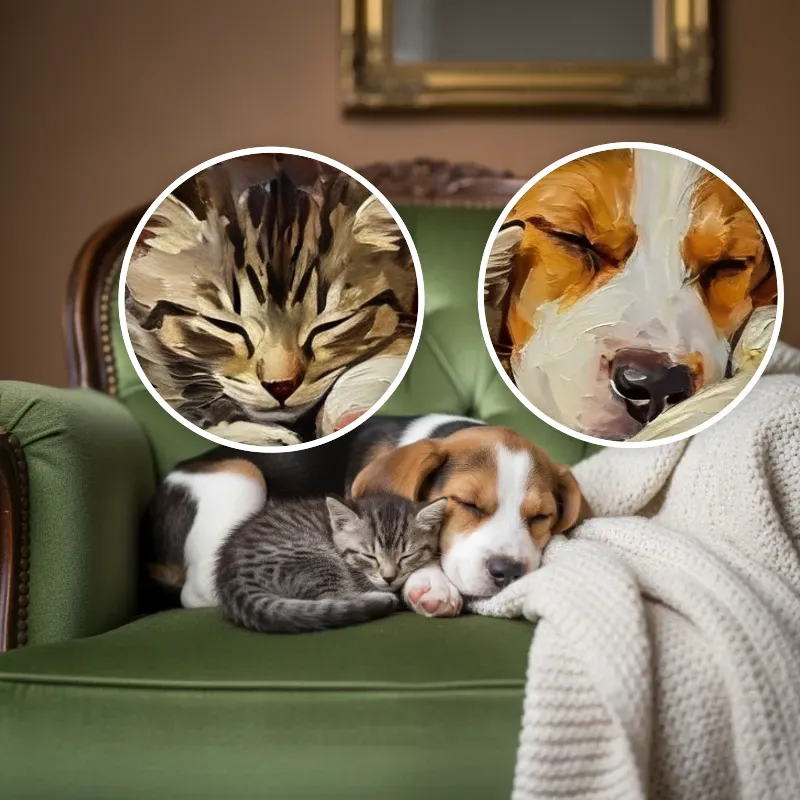
Pet Photo to Oil Painting
WHY CHOOSE OUR CONVERTER
Best Photo to Oil Painting Tool Online
The fastest free online tool to turn image into oil painting with professional-quality results.


Perfect Subject Preservation
Unlike basic filters that distort faces, our AI photo to oil painting converter preserves facial features and key details while adding authentic artistic style.

Multiple Oil Painting Styles
Change photo to oil painting in any style—Impressionist, Renaissance, Van Gogh, or modern abstract. Upload a style reference image for custom artistic direction.

Authentic Impasto Texture
Our AI creates realistic oil paint effects with 3D-like depth, visible brushstrokes, and canvas grain—perfect for photo to oil painting on canvas printing.

Print-Ready High Resolution
Convert digital photo to oil painting in 4K resolution. Export in formats ready for canvas printing, merchandise, or client delivery with commercial license.
SUPPORT
Common Questions
Everything you need to know about converting photos to oil paintings.
We support JPG, PNG, WebP, and GIF formats for photo to oil painting conversion.
Each image must be under 10MB, with a maximum resolution of 4096×4096 pixels. You can upload up to 4 images at once.
Typically 10-30 seconds per image. Processing time varies based on output resolution and complexity of the oil painting style.
Yes. Our AI preserves facial features and key details while converting photos to oil painting style. Unlike basic filters, faces remain recognizable.
Yes. You can upload a style reference image (like a Van Gogh or Monet painting) and our AI will apply that artistic style to your photo.
Yes. You can configure output resolution in settings for different needs—from social media to large canvas prints.
Yes. Premium plans include full commercial rights. You can sell prints, use in books, or deliver to clients.
No Photoshop needed. Our online converter handles everything automatically. Just upload your photo, choose a style, and download your oil painting.
Try adding a custom prompt to guide the AI, or upload a different style reference image. Results improve with clearer source photos.
Join thousands creating stunning oil painting art from their photos.
Ready to Convert Your Photo to Oil Painting?
Turn any photo into museum-quality oil painting online. Free to try, no sign-up required.
Commercial License Available
High-Resolution OutputInstant PreviewNo Watermark

